Dark Mode Done Right
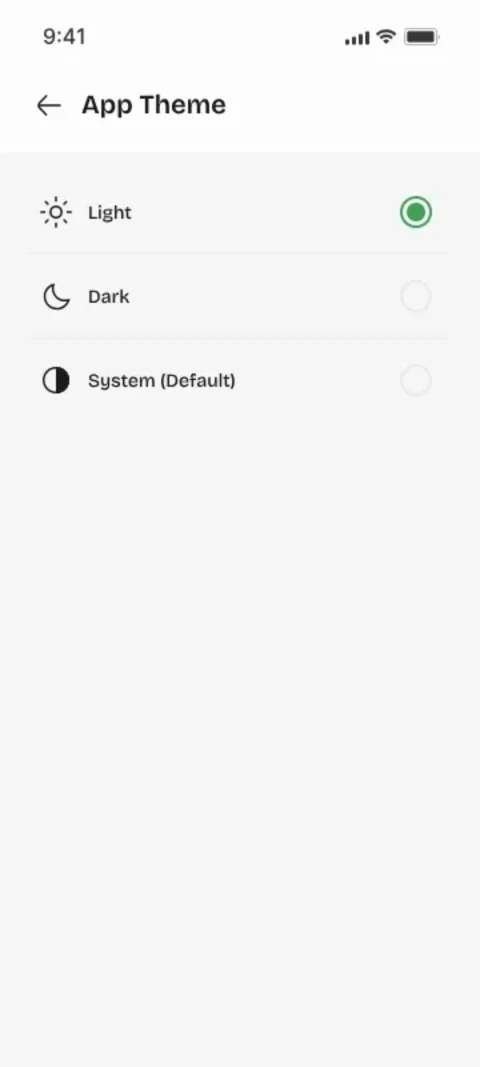
Dark mode isn't a color inversion — it's a careful re-tune of contrast and glow so text stays readable and eyes stay comfortable in low light. Youliable follows the system setting and lets you override it anytime.
Theming Without the Friction
The theme system is designed to stay out of the way: pick a theme once and it applies everywhere, instantly. No per-screen settings, no surprises.
Accessibility as a Core Requirement
Readable contrast ratios, large tap targets, clear status colors, and support for screen readers are part of every screen we ship — not an afterthought. Productivity software is only useful if everyone can use it.
Key Takeaways
- Dark mode is a contrast re-tune, not an inversion.
- Theming should be set-once, apply-everywhere.
- Accessibility is a core requirement, not a feature flag.
Focus Keywords
dark mode appapp accessibilitytheme system appaccessible task app
Try It for Free in Two Minutes
Assign your first task, watch it get accepted and done — and feel how good real accountability is.