Six Features. The Whole App.
We kept Youliable deliberately small. No boards, no permissions, no onboarding video — just the six things you'll use every single day.
Create in under 30 seconds
Task Creation
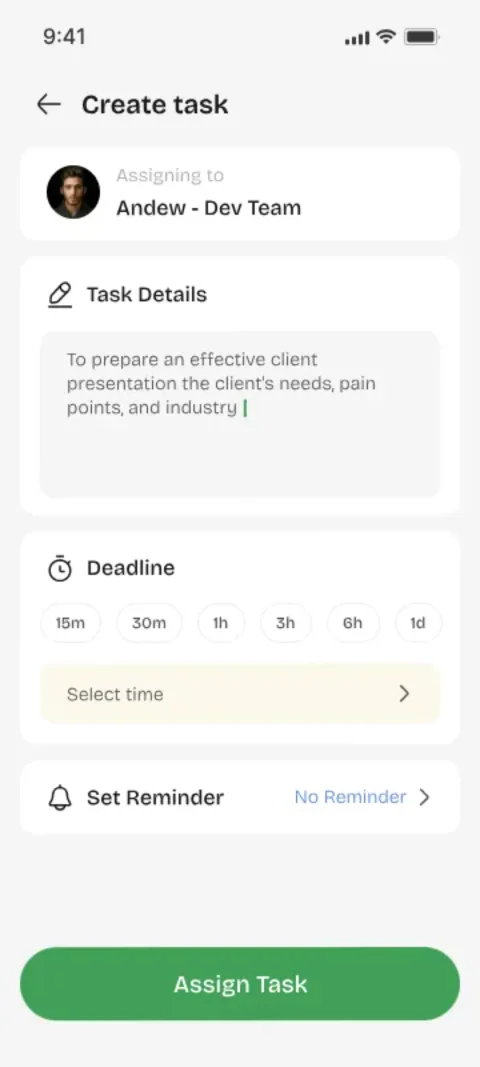
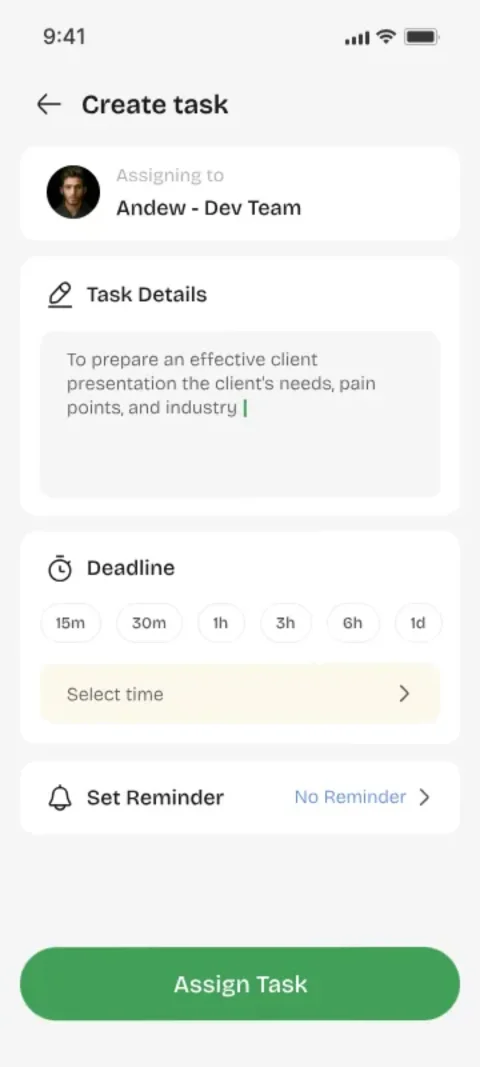
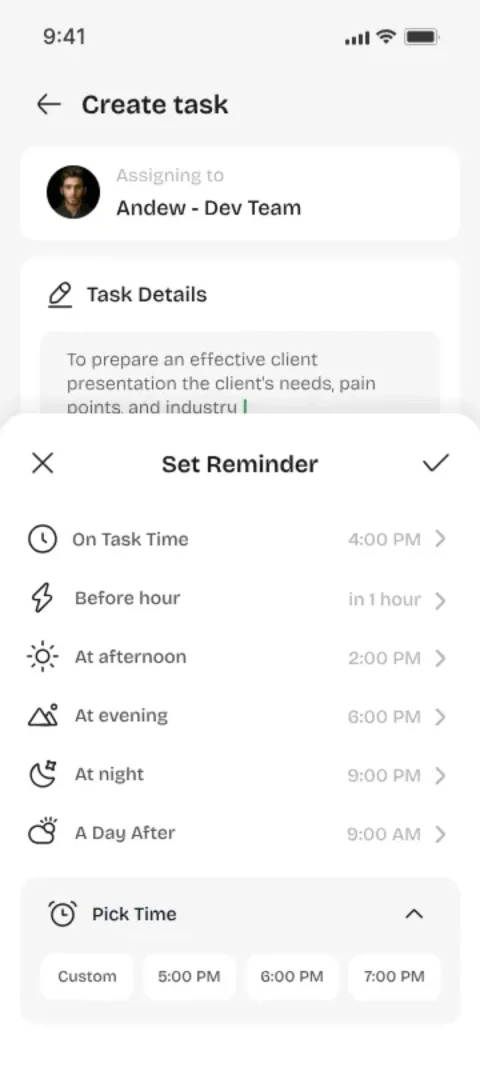
Tap the +, type a title, done. Description, due date, and priority are optional — because most tasks don't need a form.
- 1Only a title is required
- 2Optional description & due date
- 3Set priority level (Low / Medium / High)
- 4Assign to self or search for a teammate
Direct, 1-to-1 ownership
Task Assignment
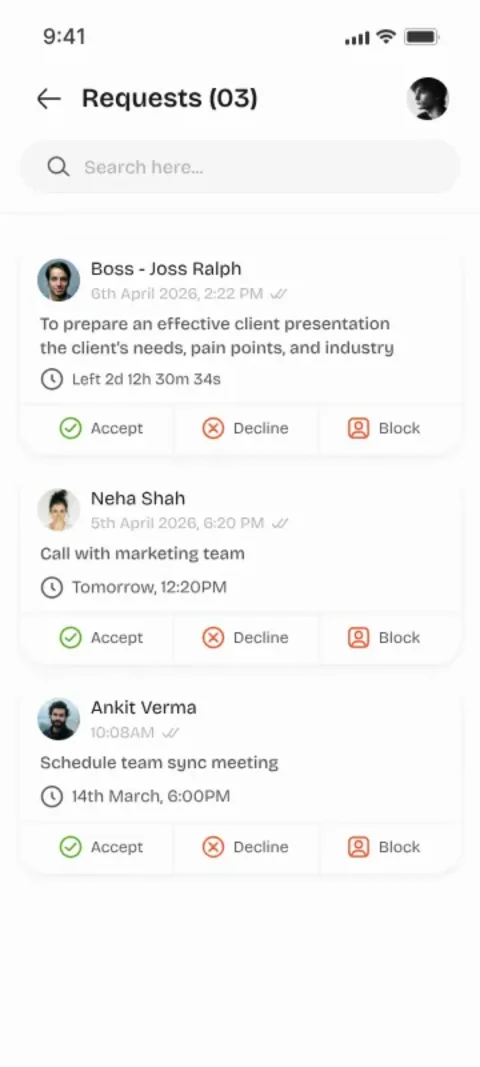
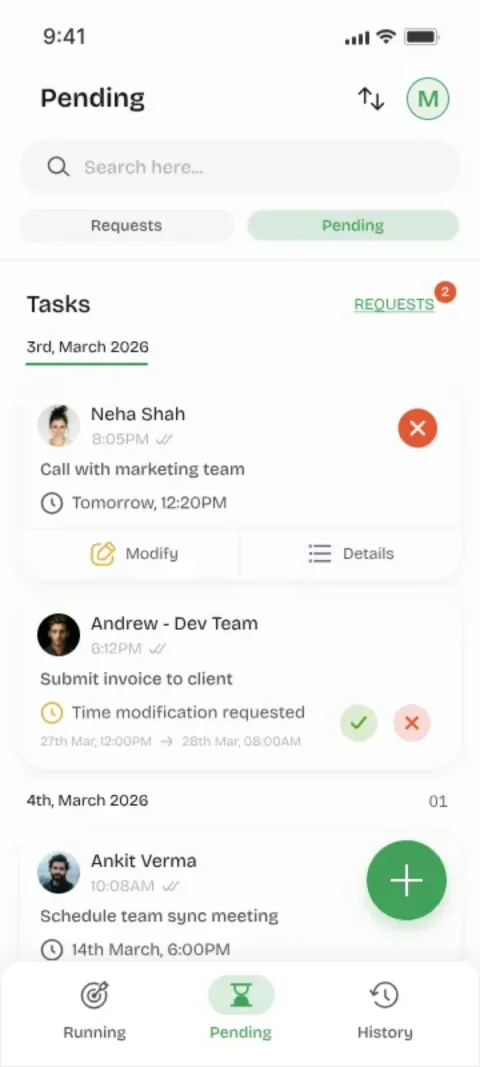
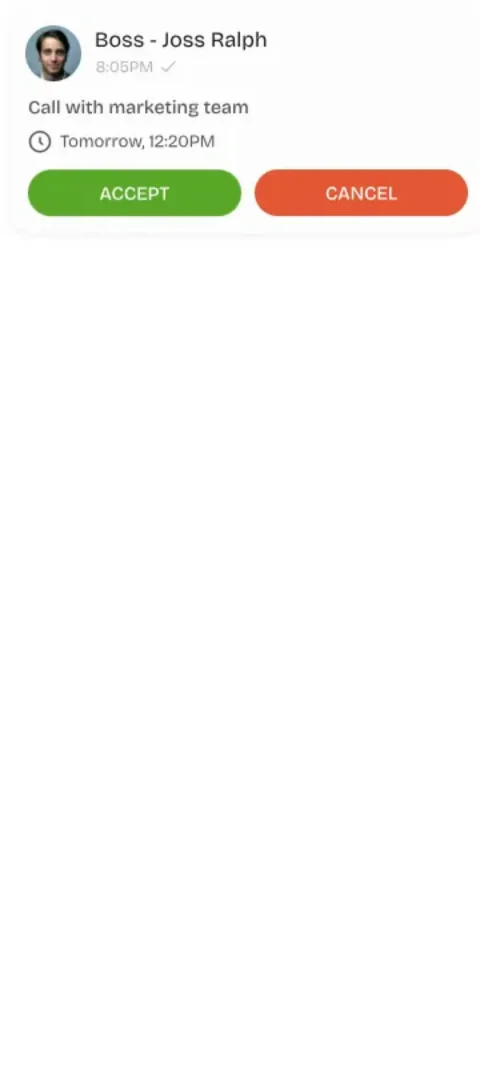
Search by name or number and hit send. They get a notification and accept or decline — no CC-ing, no 'did you see my message?'.
- 1Search by name or phone number
- 2Instant push notification sent
- 3Accept / Decline workflow
- 4Pending status tracked in real time
Full timeline, zero gaps
Task History
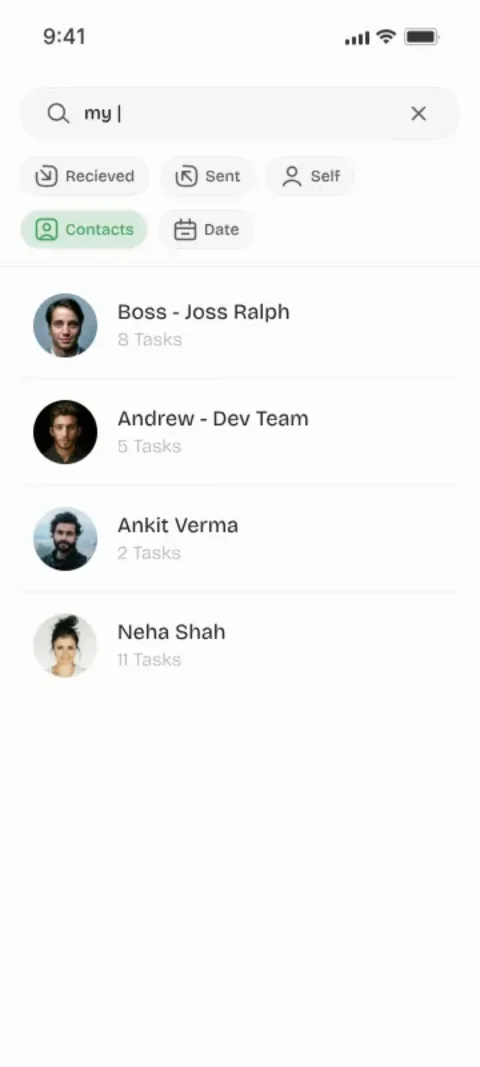
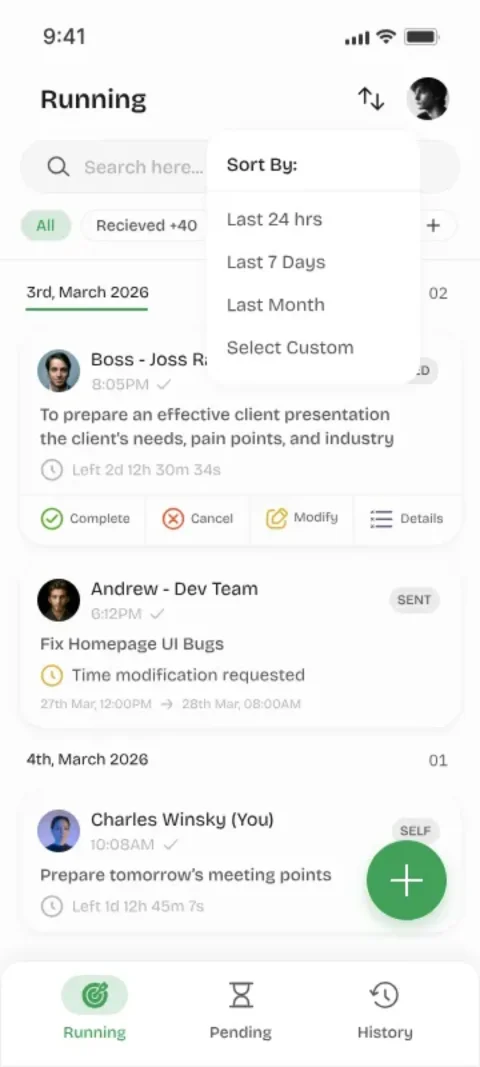
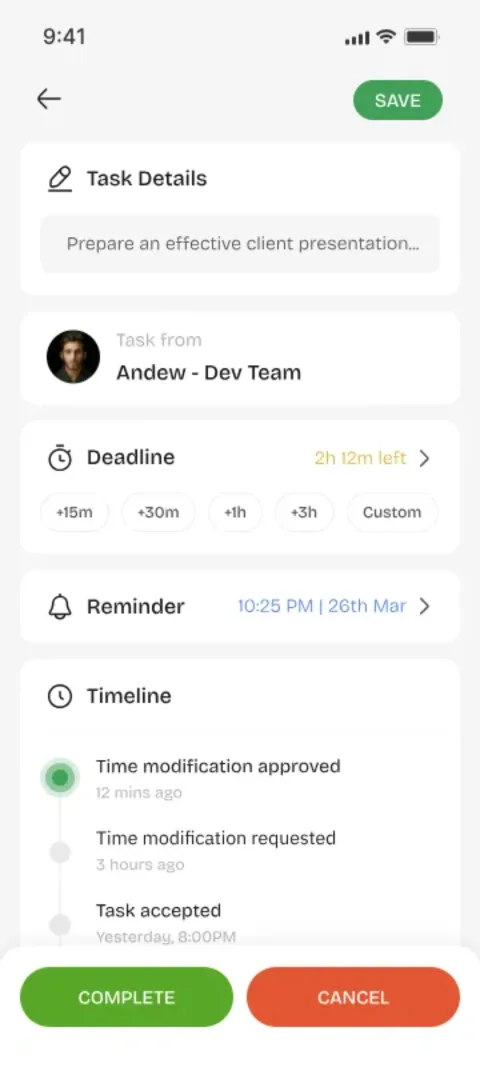
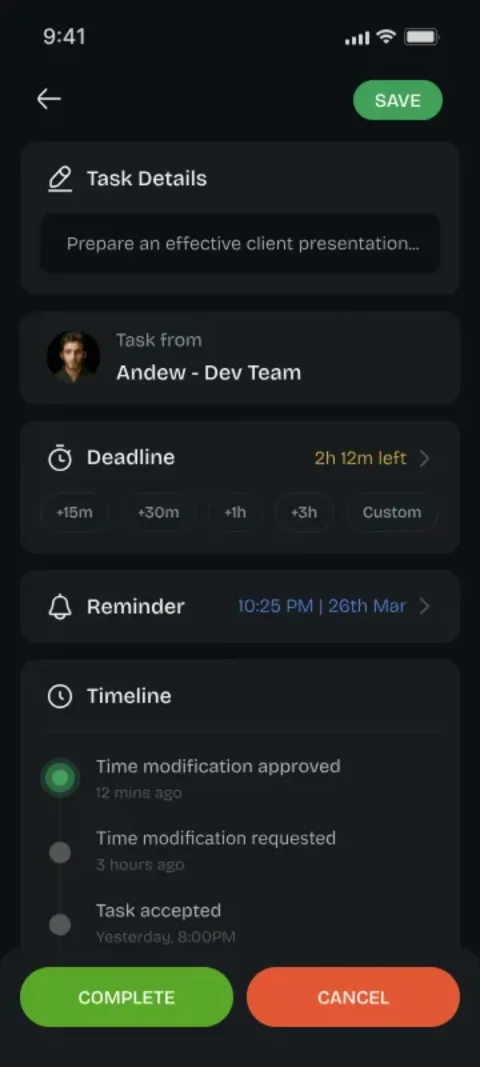
Every task keeps a timeline — created, accepted, started, done. Weeks later you can still see exactly what happened and when.
- 1Personal activity dashboard
- 2Filter by status, date, or assignee
- 3Full timeline per task with timestamps
- 4Export history as needed
Never miss a beat
Notifications
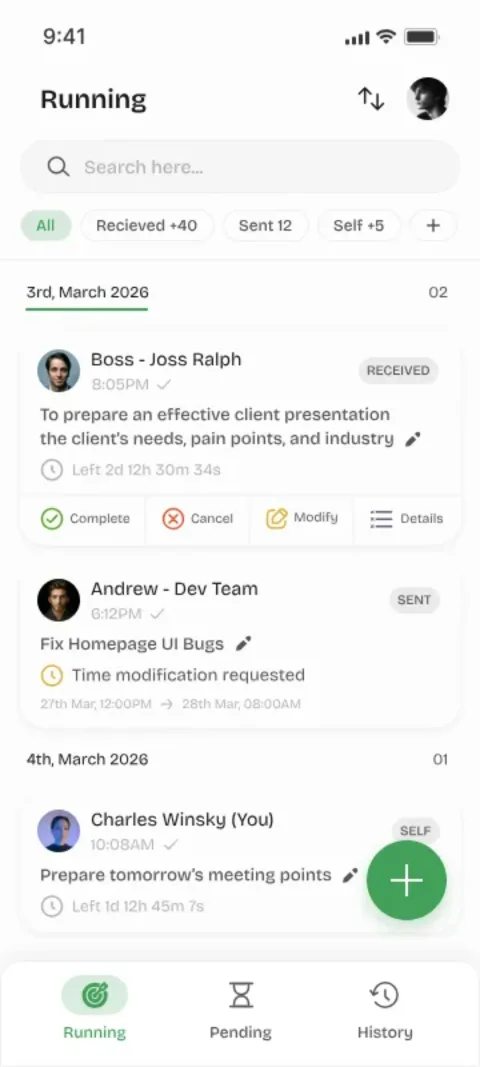
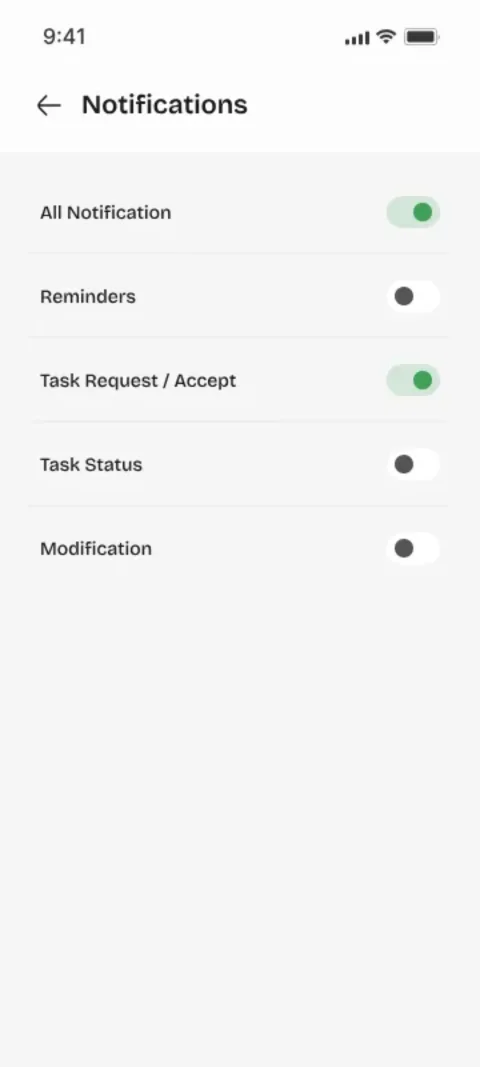
You'll know the moment someone accepts, starts, or finishes. No refreshing, no asking, no 'any update?'.
- 1Task assigned alerts
- 2Acceptance & decline notifications
- 3Completion notices to the assigner
- 4Status change updates in real time
Flexible until accepted
Edit & Manage
Plans change. Change the title, push the date, or send it to someone else — as long as it hasn't been accepted yet, it's yours to fix.
- 1Edit title, description & due date
- 2Change priority at any time
- 3Reassign to another person
- 4Locked after acceptance for accountability
You're always in charge
Task Control
Changed your mind? Delete it before it's accepted. Keep your own list tidy — it's your workflow, you're in charge.
- 1Delete unaccepted tasks instantly
- 2Manage your personal task list
- 3Archive completed tasks
- 4Full workflow control at all times
What's Next. On the Roadmap.
Group tasks and file sharing are in the works. Here's a sneak peek at what's coming to Youliable.
One task. A whole team.
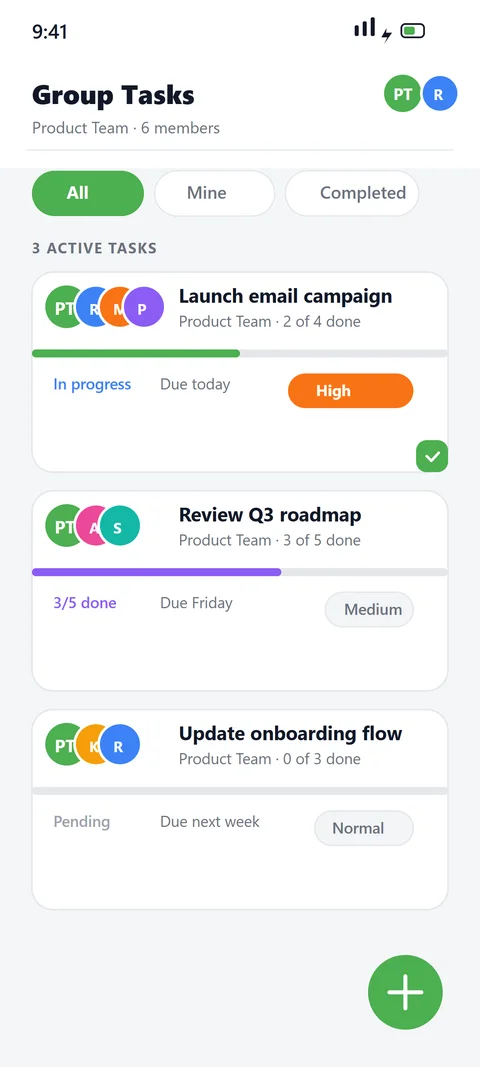
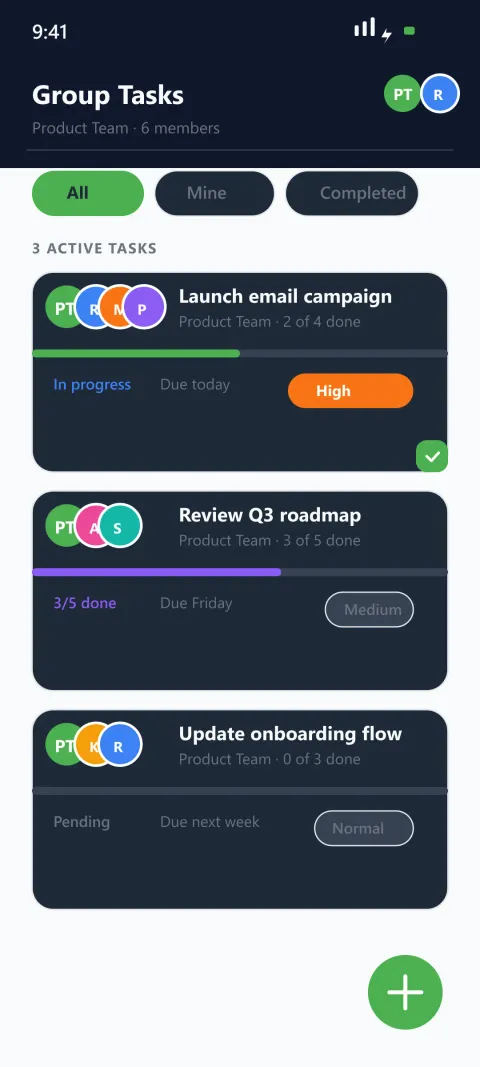
Group Tasks
Coming soonSend a single task to an entire group — every member gets notified, accepts their part, and progress updates live for everyone. No more re-sending the same task to each person.
- 1Send to groups of any size
- 2Each member accepts their own part
- 3Live progress across the whole group
- 4Group activity feed & notifications
Send more than a title
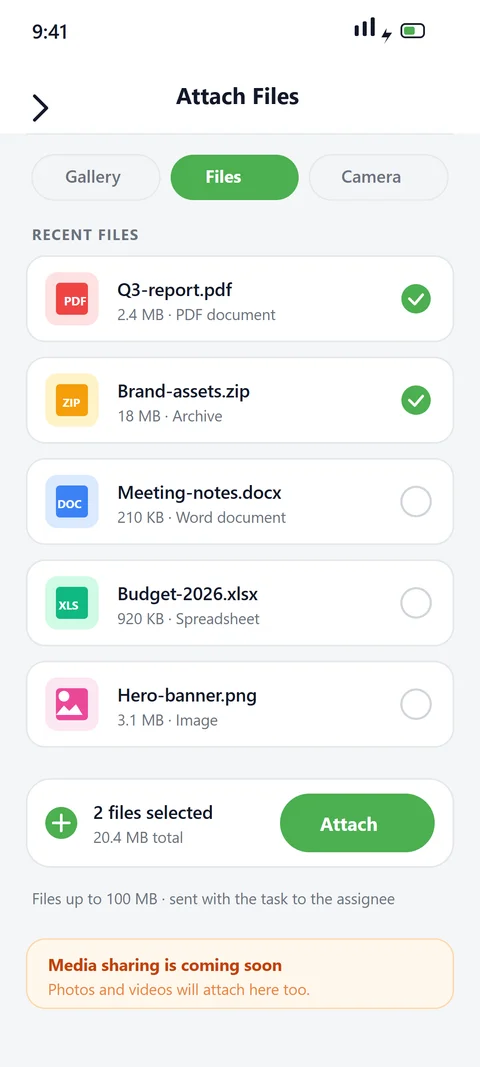
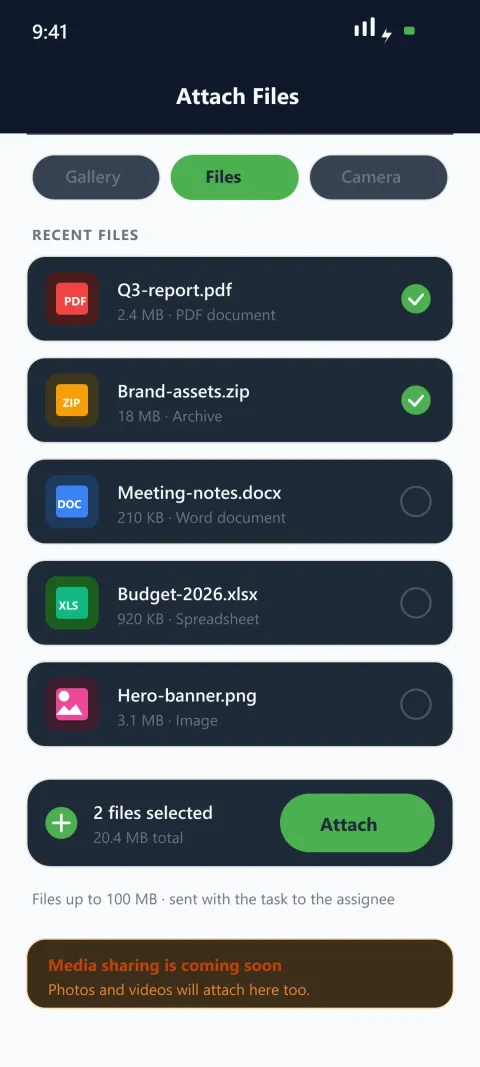
File & Media Sharing
Coming soonAttach documents, photos, videos, and voice notes to any task. Everything you need travels with the task — not in a separate chat that gets buried.
- 1Attach files up to 100 MB
- 2Photos, PDFs, docs & voice notes
- 3Preview attachments right in the task
- 4Files stay with the task history
See It in Action
These are real screens from the app — all 31 of them. Have a look.
My Tasks
Create Task
Notification
In Progress
Requests
Showing 1–5 of 31 screens
Curious? Try It Free.
It's free, it takes two minutes, and there's nothing to unlearn.
View User Guide