How It Works
Four steps between you and your first completed task. Most people make it in under five minutes — sign-up included.
No email. No password. Just your number.
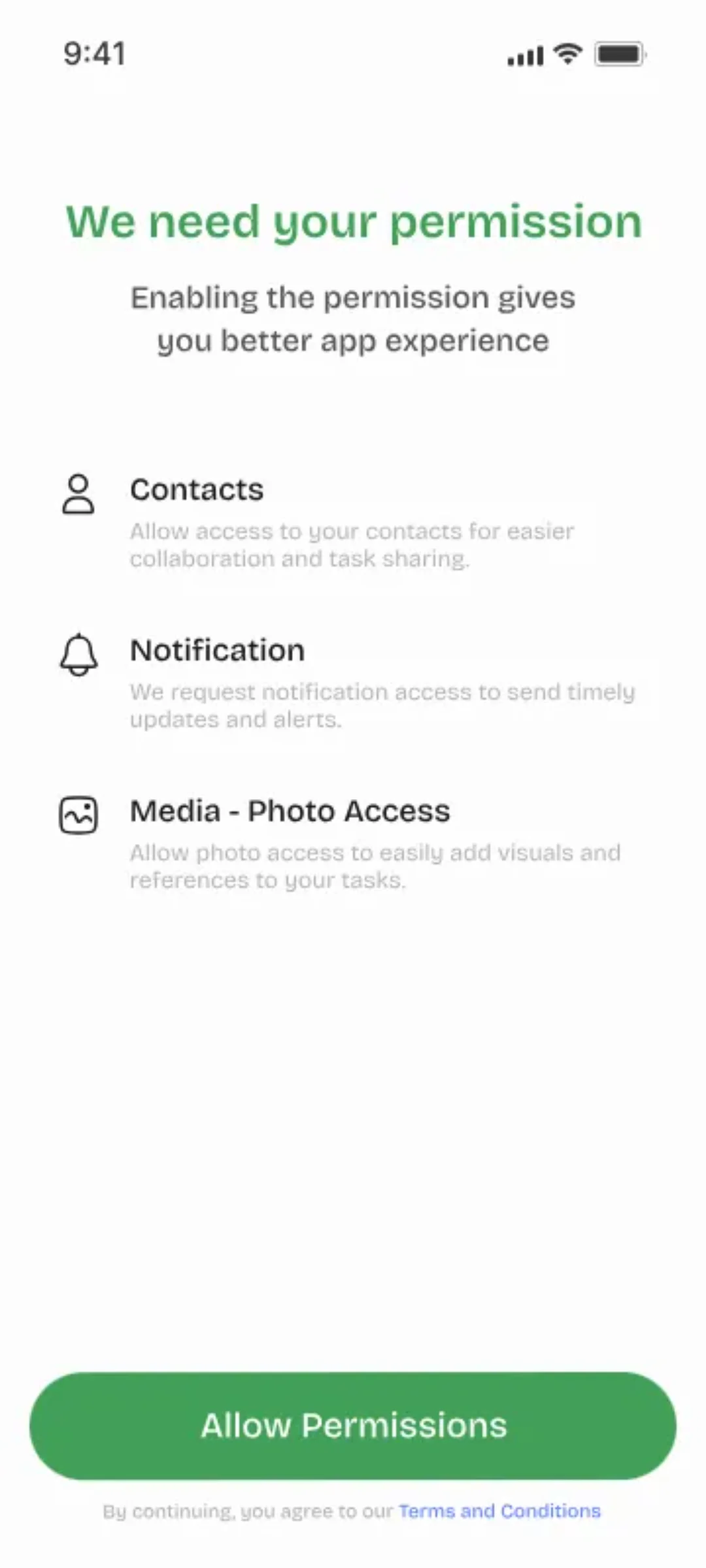
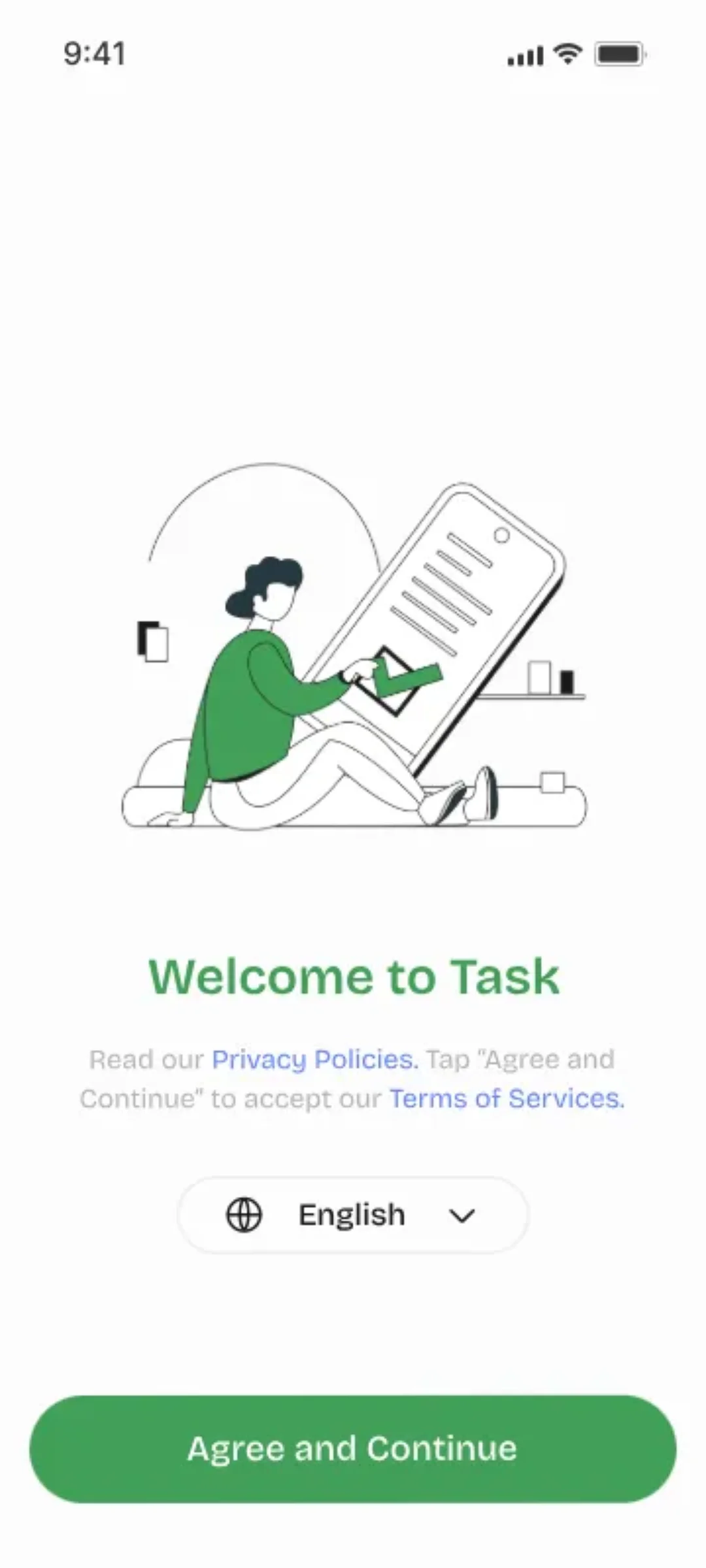
Sign Up with Your Phone
Download the app, enter your phone number, and confirm the OTP. That's it — your profile is created automatically. No email, no password, no forms.
- 1Available on iOS 14+ and Android 8+
- 2Phone number is your unique identity
- 3OTP verification — no passwords to forget
- 4Profile auto-created after verification
- 5Import contacts to find teammates instantly
One tap to create. One tap to assign.
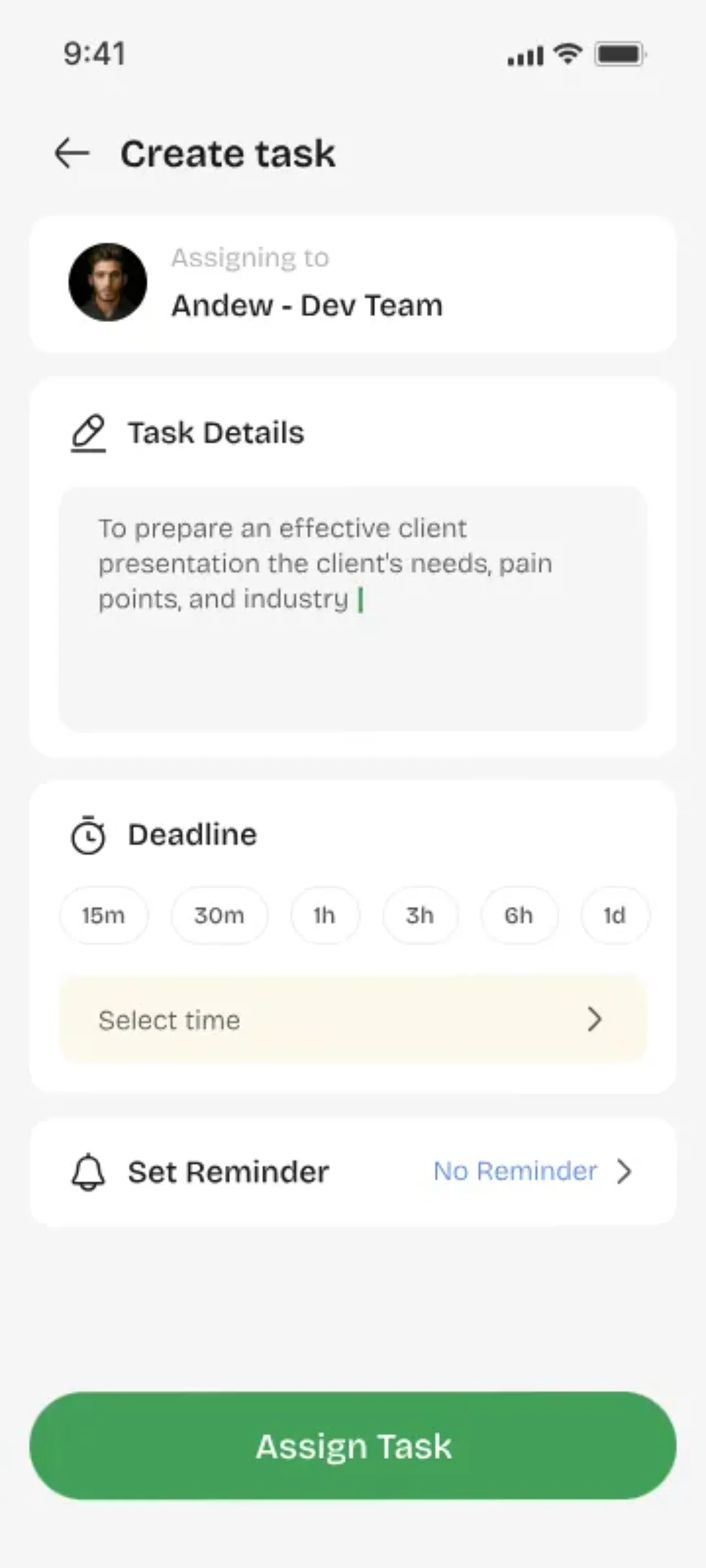
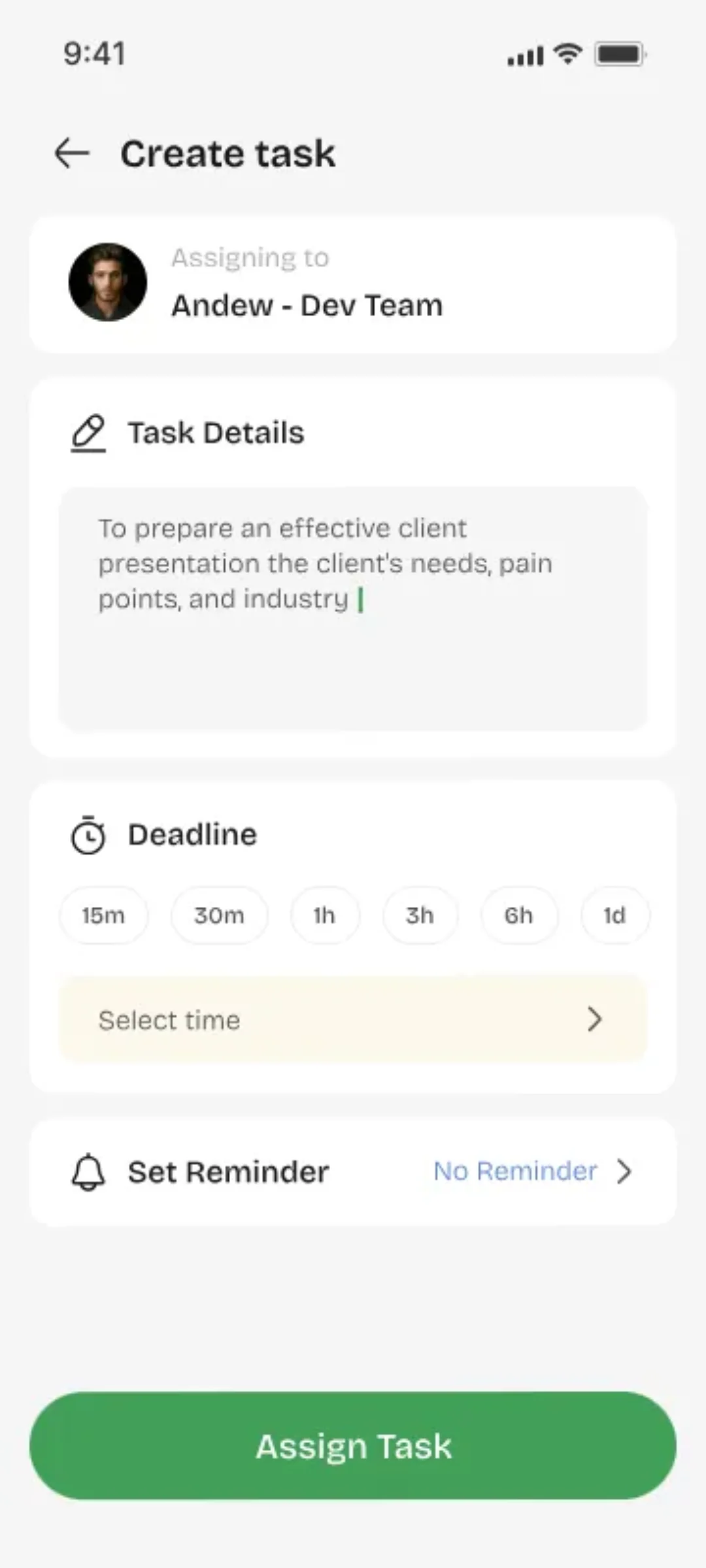
Create & Assign Directly
Tap +, type a title, pick who it's for, hit send. Description, due date, and priority are there if you want them — but a title is all the app asks for.
- 1Task title is the only required field
- 2Add description for context (optional)
- 3Set due date and priority level
- 4Search any user by name or phone
- 5Task sent with instant notification
Acceptance = ownership. Completion = accountability.
Accept & Complete
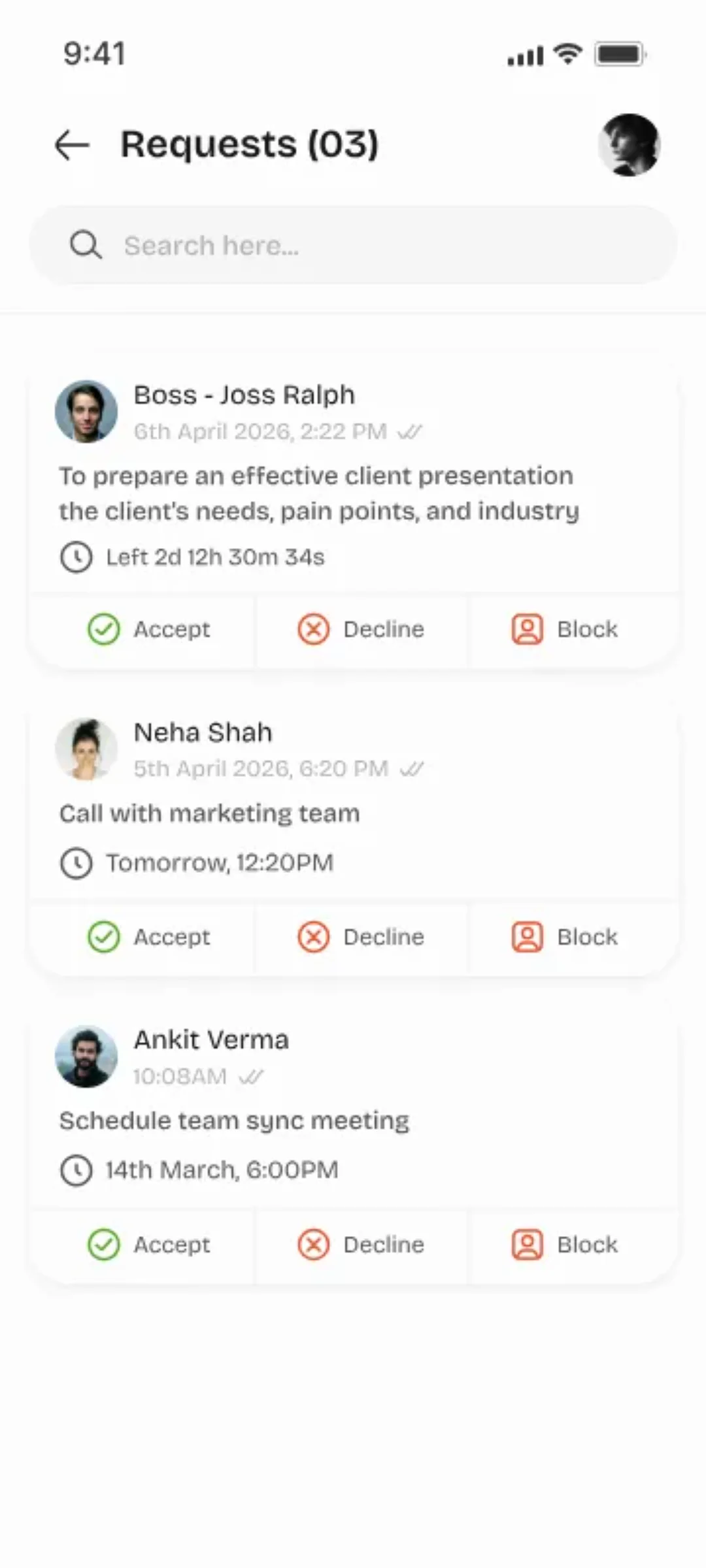
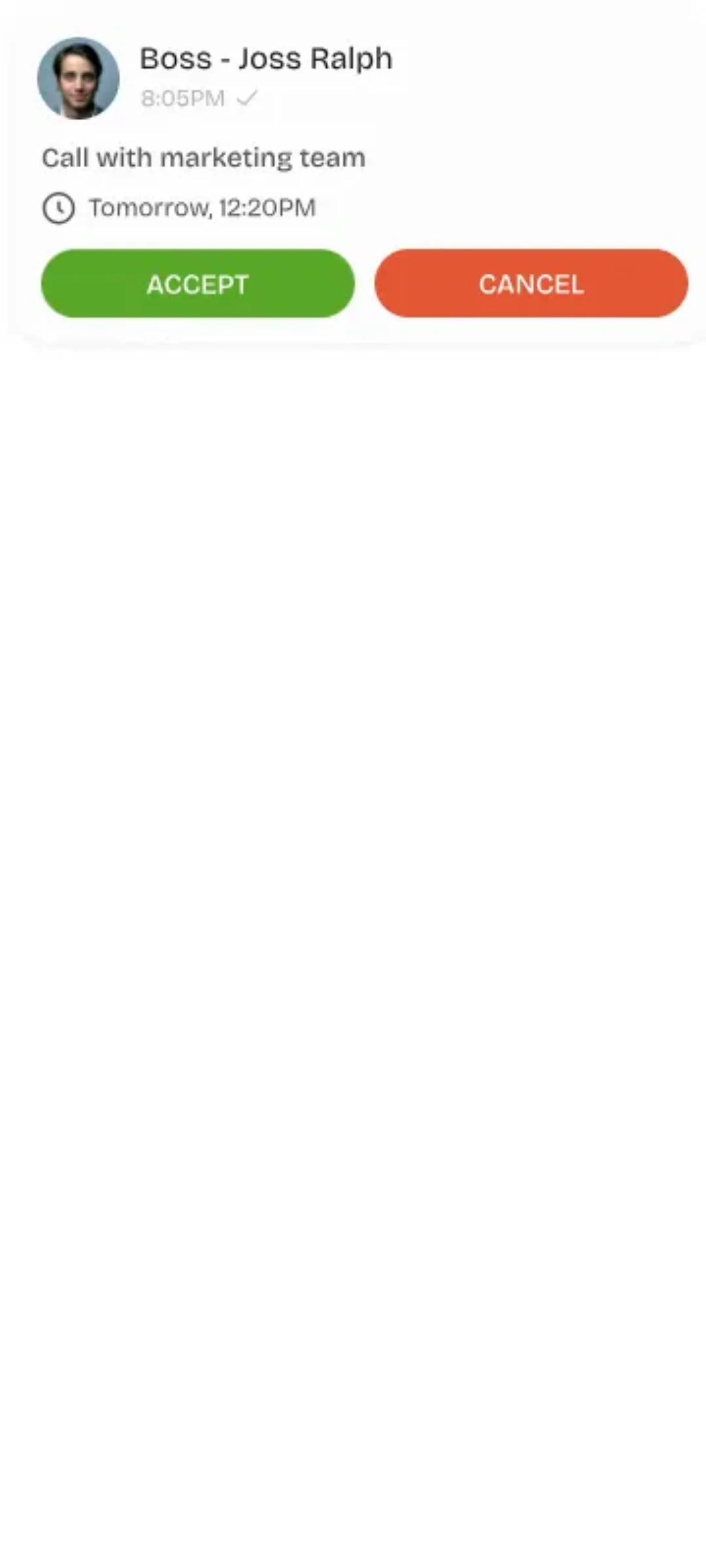
They get a notification and choose: accept or decline. Accepting means they own it — no ambiguity, no excuses. Then it's just: start it, do it, mark it done.
- 1Accept creates clear, explicit ownership
- 2Decline returns task to the creator
- 3Mark as 'In Progress' to show activity
- 4Complete notifies the assigner instantly
- 5Full status history preserved
Full visibility. Zero guesswork.
Track Everything
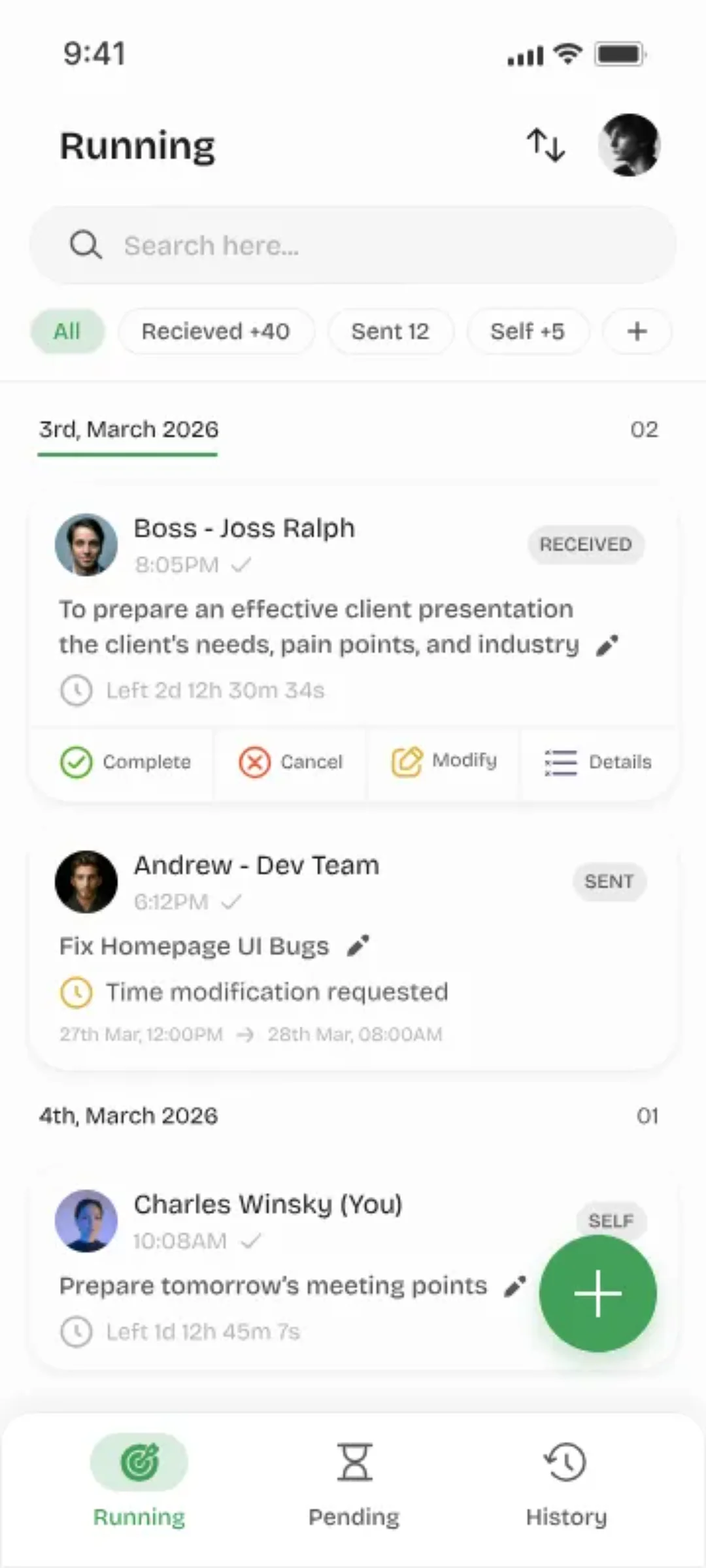
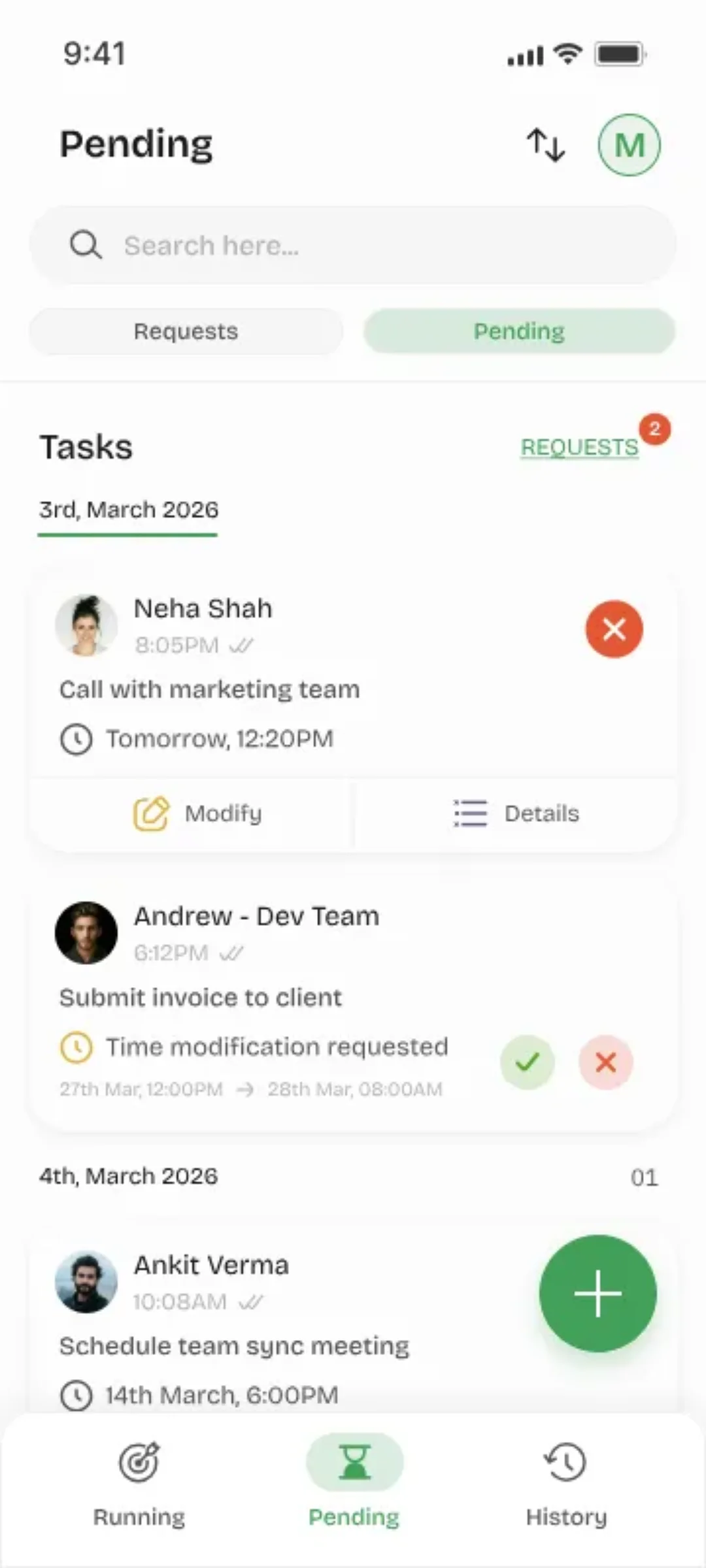
Your dashboard shows everything you've created, assigned, and finished — with timestamps. Weeks later, you can still answer exactly what happened, and when.
- 1Personal activity dashboard
- 2Filter by status, date, or assignee
- 3Full timeline with timestamps
- 4Completion rate statistics
- 5Export history as needed
Group Tasks & File Sharing
Soon you'll be able to send one task to a whole team, and attach files, photos, and voice notes to anything. Same simplicity — more power.
See what's coming nextThe Complete Flow
One task's journey, from created to done.
Ready to Try It?
Download the app and send your first task to someone — it'll take you about two minutes.
Full User Guide