How to Use Youliable
A step-by-step guide to mastering task management. From setup to completion in under 5 minutes.
Free on iOS & Android
Download & Install
Download Youliable from the App Store or Google Play. Free to install, takes under 2 minutes to set up.
- 1Available on iOS 14+ and Android 8+
- 2No email required — just your phone number
- 3Automatic profile creation after OTP verification
- 4Import contacts to find your team instantly
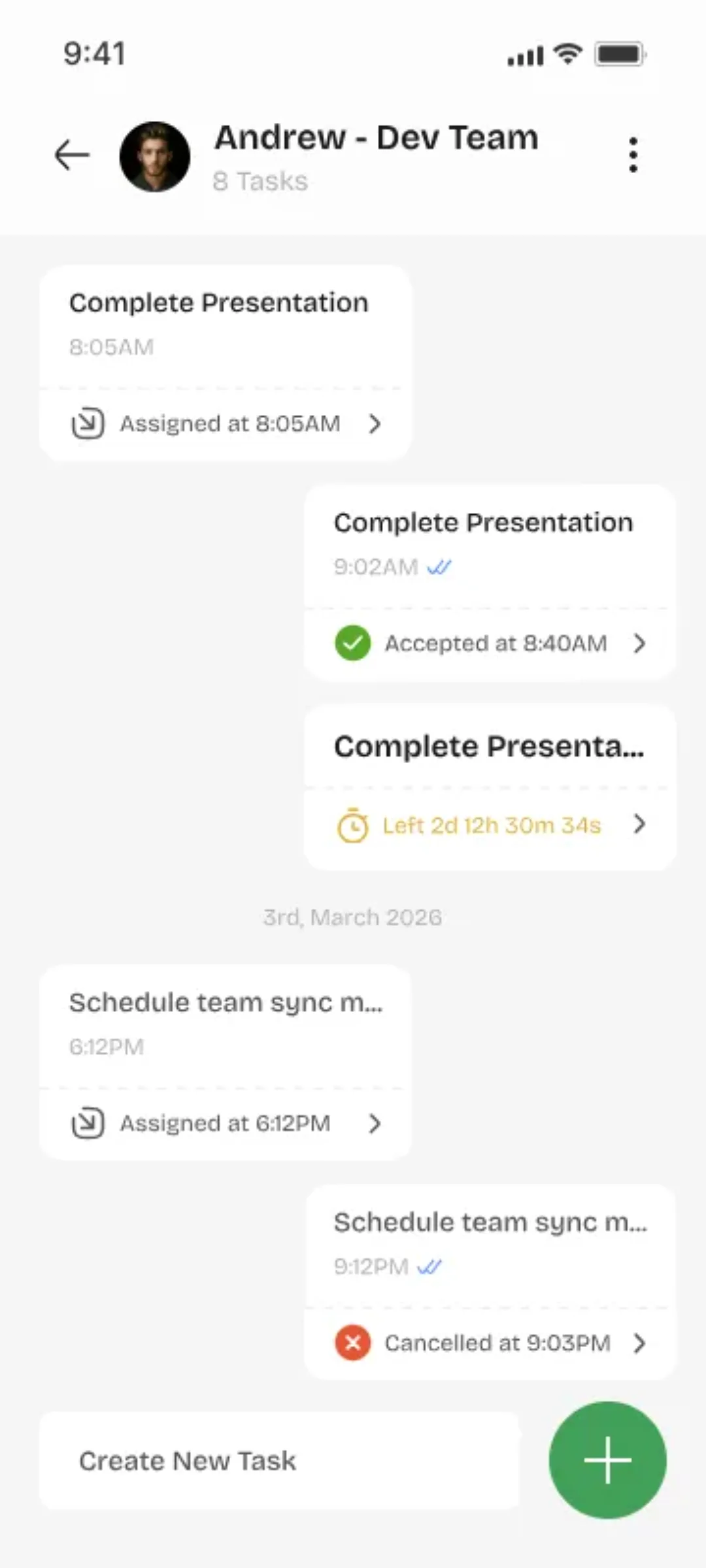
Phone number is your identity
Create Your Profile
Sign up with your phone number. Verify with OTP. Your profile is automatically created — no lengthy forms.
- 1Phone number is your unique identifier
- 2Add your name and profile photo
- 3Set your availability status
- 4Connect with other users by searching their number
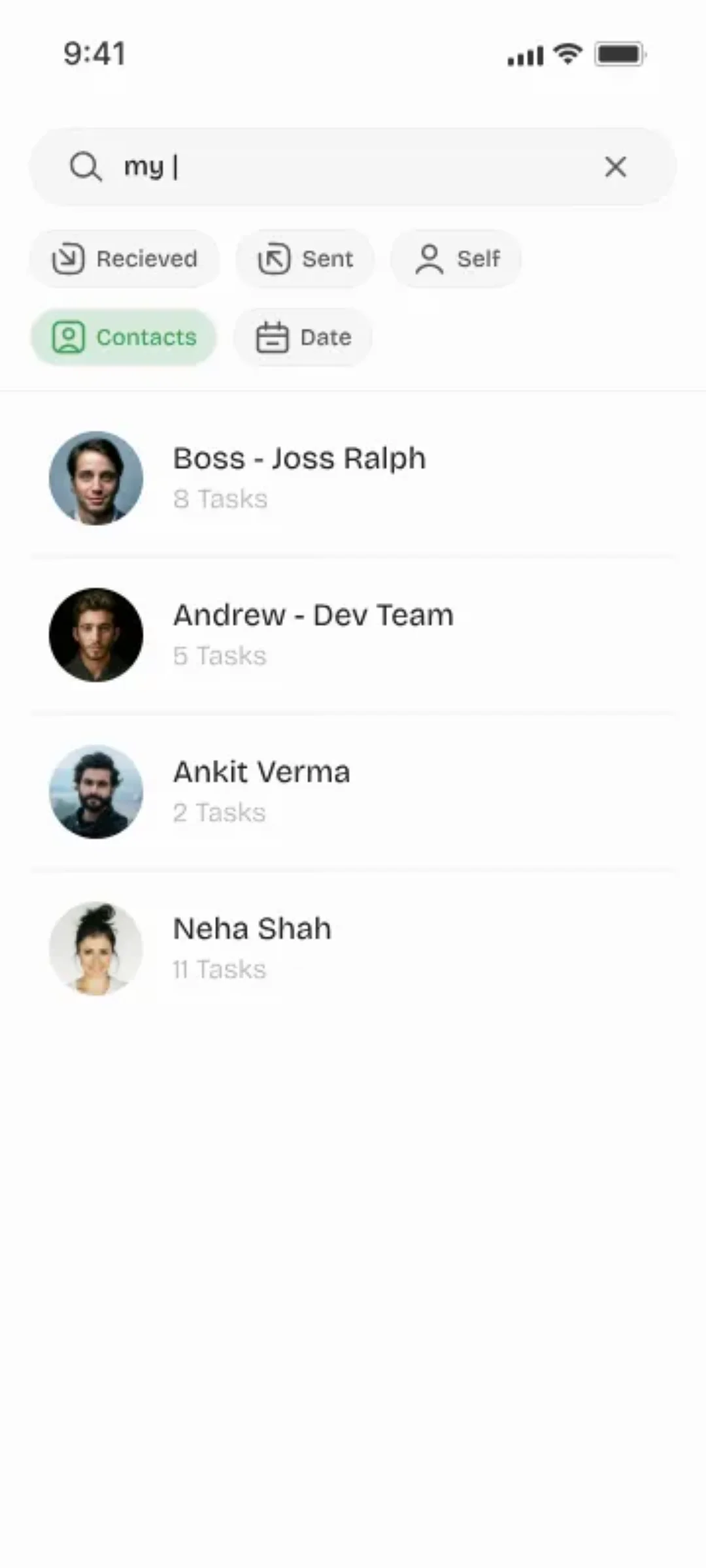
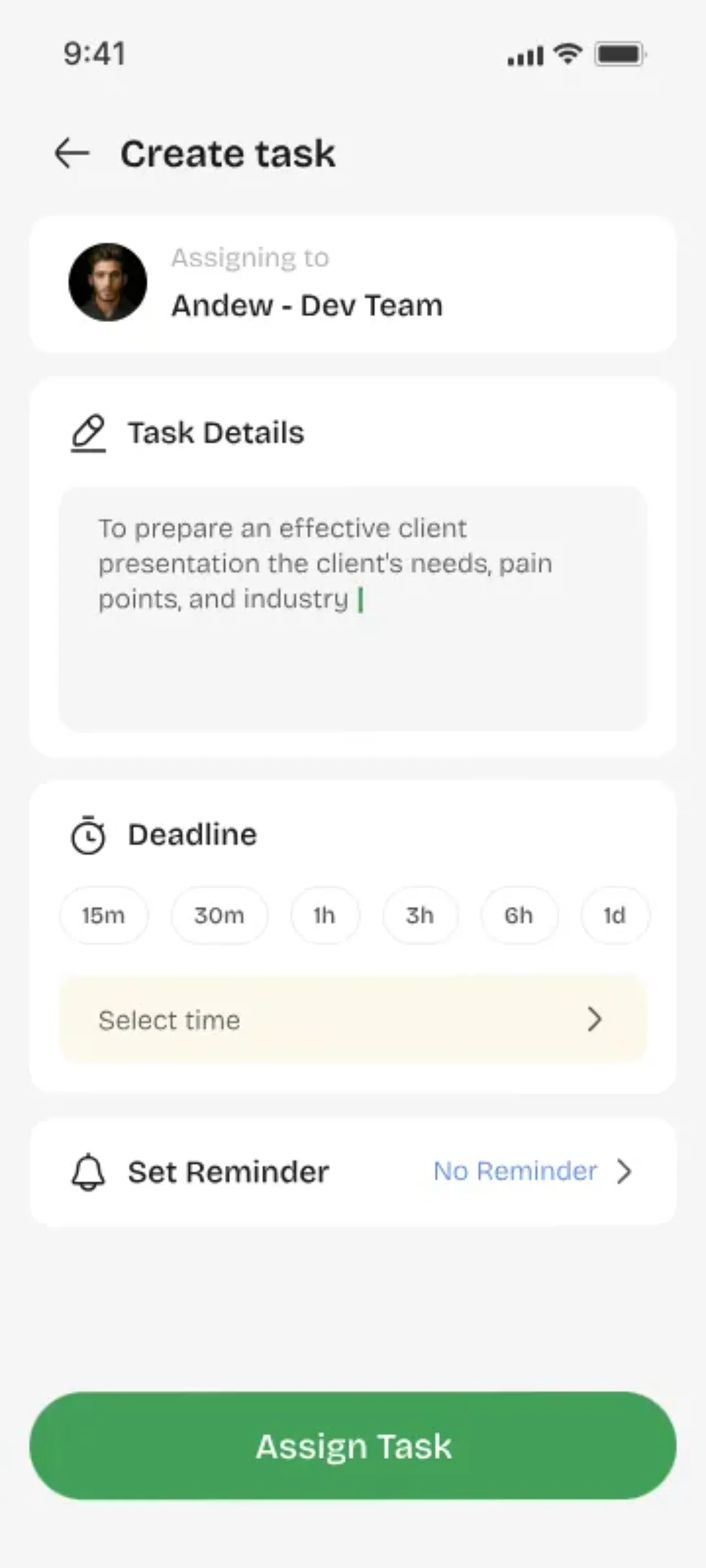
Only a title is required
Create Your First Task
Tap the + button to create a task. Add a title, optional description, due date, and assign it to yourself or a teammate.
- 1Task title is the only required field
- 2Add description for context (optional)
- 3Set a due date and priority level
- 4Assign to self or search for a teammate
Instant notification sent
Assign to a Teammate
Search for a user by their phone number or name. Select them and send the task. They'll get an instant push notification.
- 1Search by name or phone number
- 2Task is sent with a push notification
- 3Status changes to 'Pending Acceptance'
- 4User can accept or decline

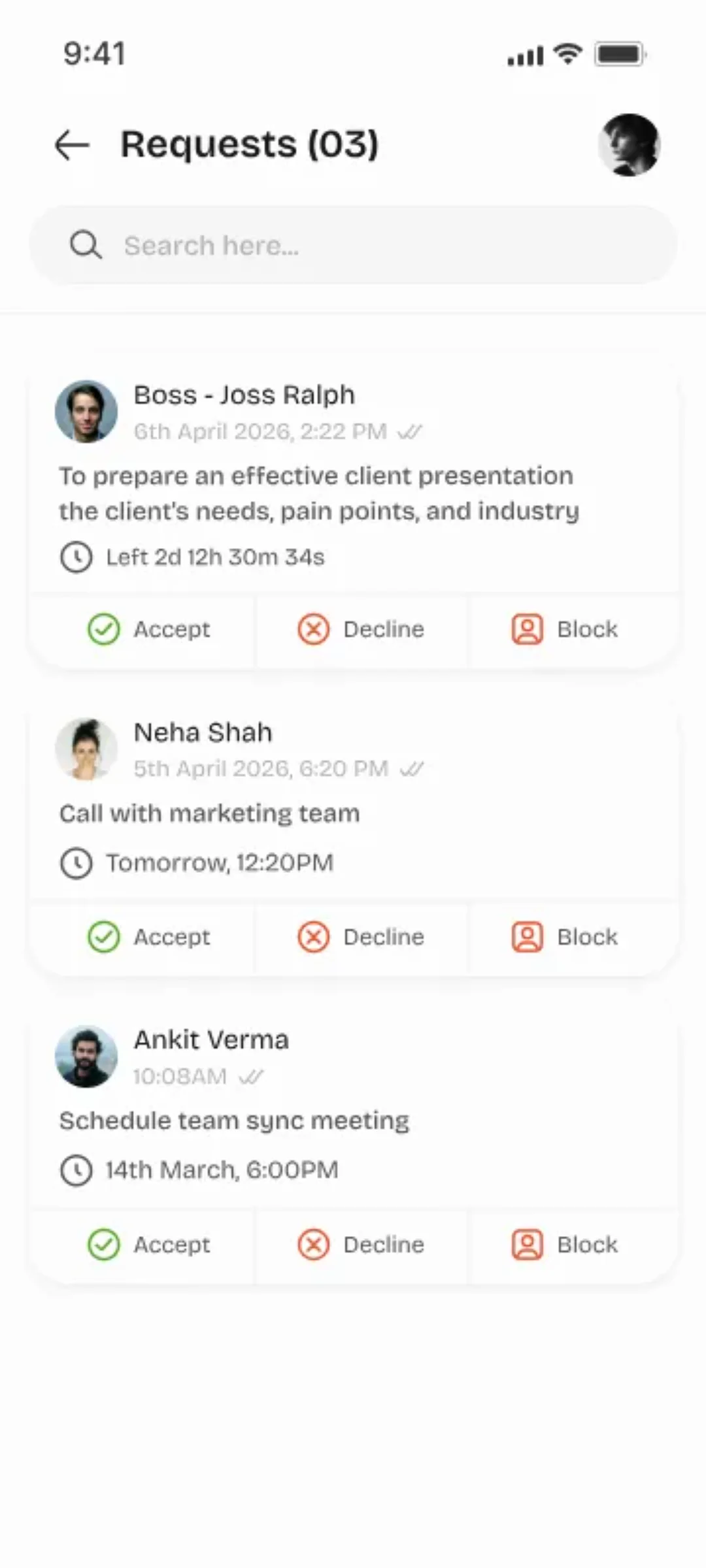
Clear ownership every time
Accept & Complete
The assignee receives the task and can accept or decline. Once accepted, they own it. Mark as In Progress, then Complete.
- 1Accept creates clear ownership
- 2Mark as 'In Progress' to show activity
- 3Complete when done — notifies the assigner
- 4Declined tasks return to the creator
Full timeline, zero gaps
Track & Review History
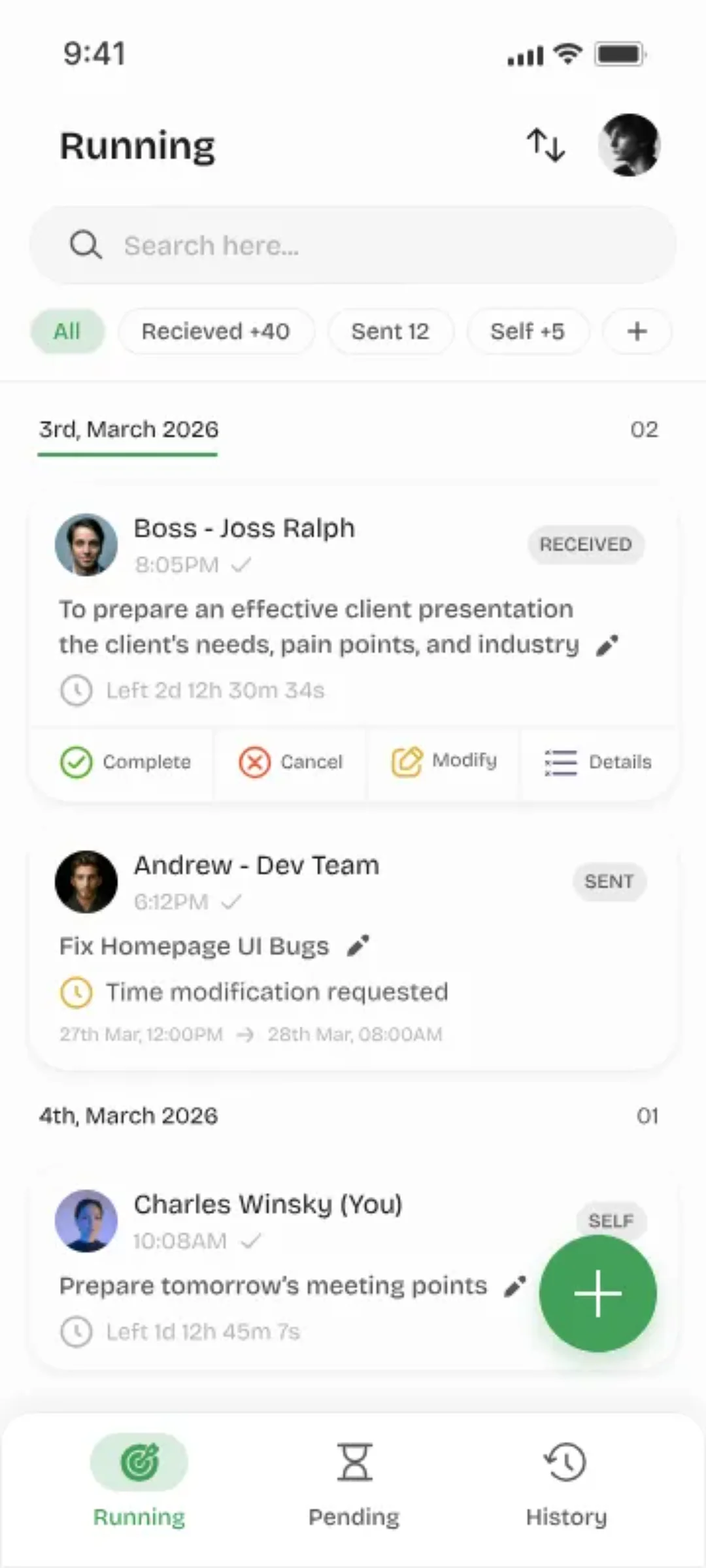
View your complete task history — tasks you created, assigned, and completed. Full timeline with timestamps.
- 1Personal activity dashboard
- 2Filter by status, date, or assignee
- 3Full timeline for every task
- 4Export history as needed
Pro Tips
Get the most out of Youliable with these power-user tips.
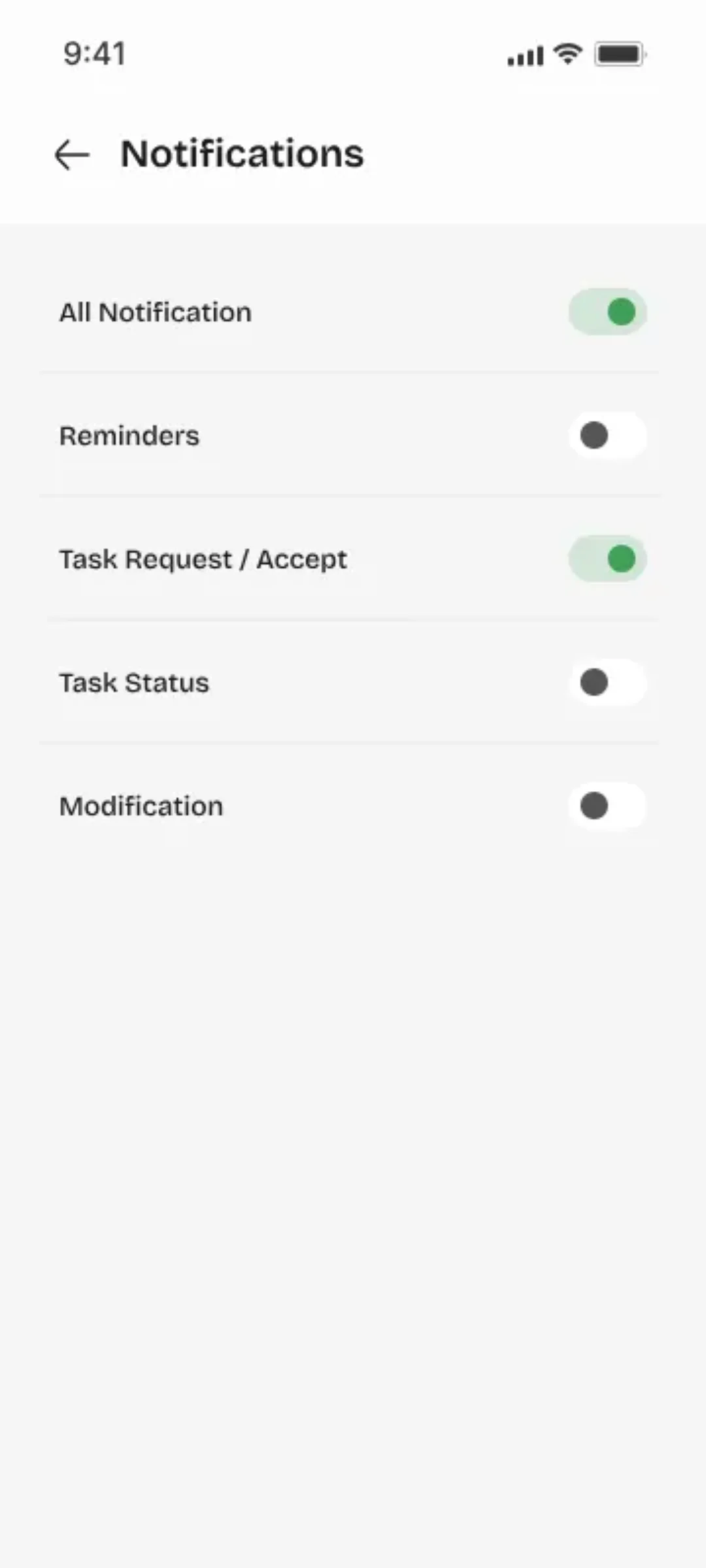
Enable Notifications
Turn on push notifications so you never miss a task assignment or status update from your team.
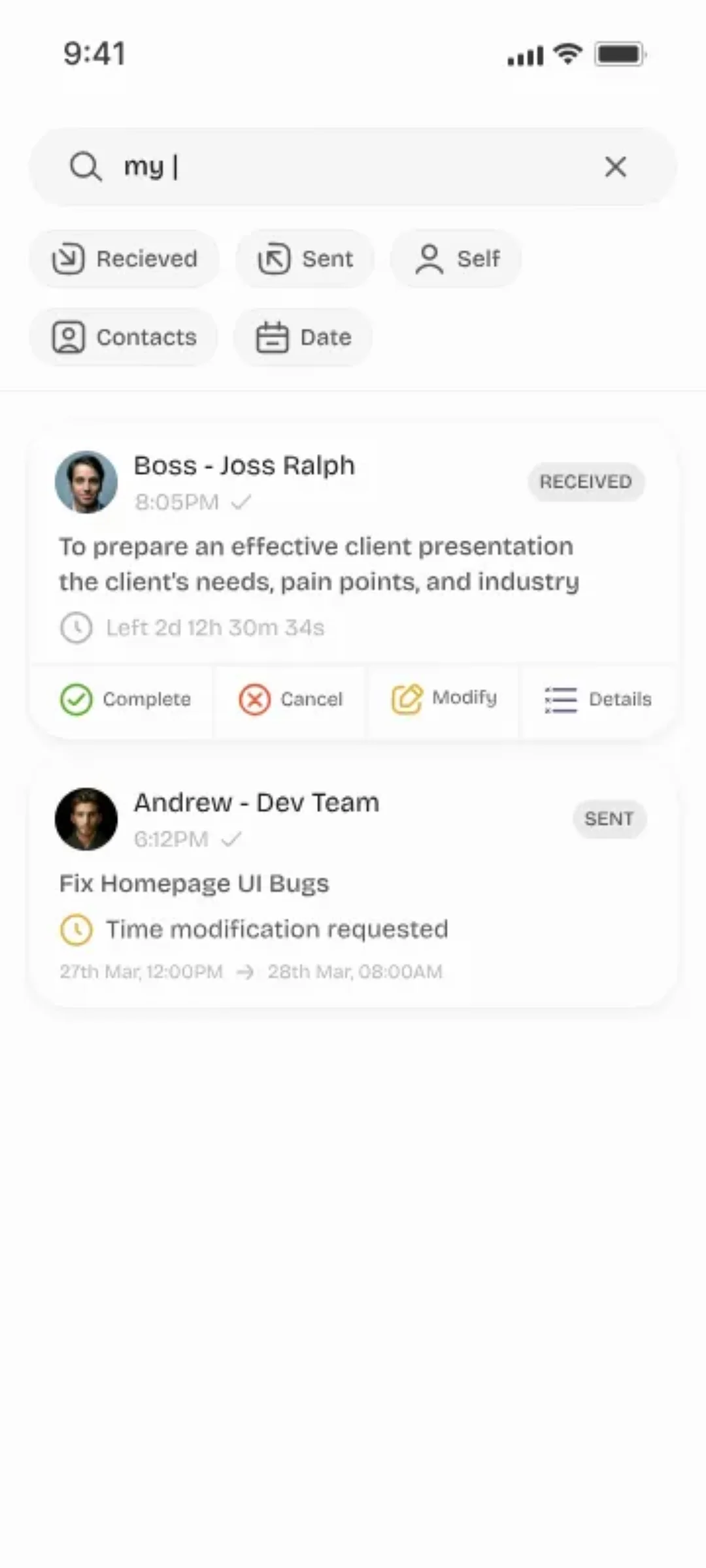
Use Search Smartly
Search tasks by title, assignee, or status. Use filters to quickly find overdue or pending tasks.
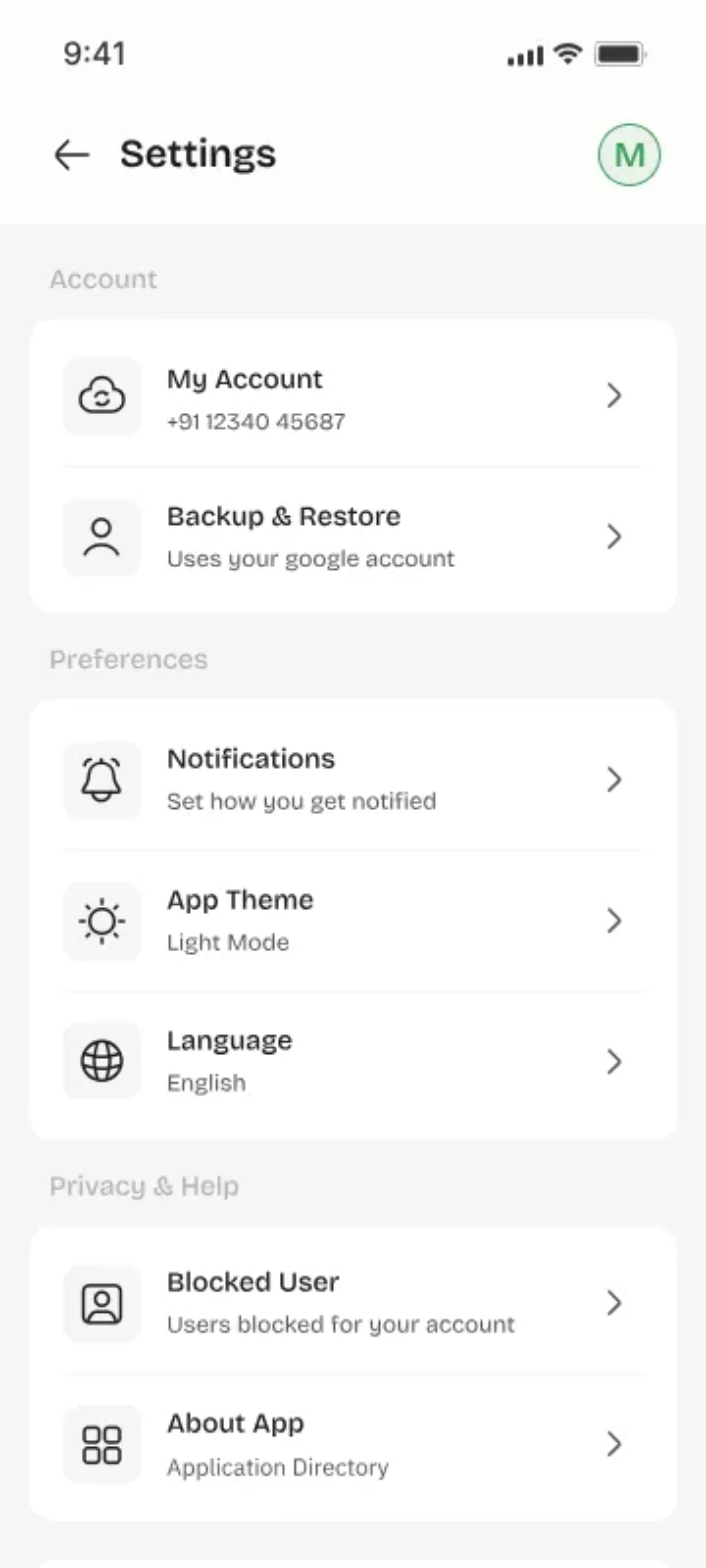
Customize Your Profile
Add a clear profile photo so teammates can identify you easily when assigning tasks.
Explore Every Screen
Tap any screen to see a full description and step-by-step guide.
Showing 38 of 38 screens
Ready to Get Started?
Download Youliable free and create your first task in under 2 minutes.
Explore all features